









Office Space Utilization Monitoring for Real Estate Decisions

Compare booked time with camera-free occupancy data across meeting rooms, work zones and whole floors, then plan your workplace on evidence.

64-pixel PIR array

for camera-free occupancy detection

4.8-inch display

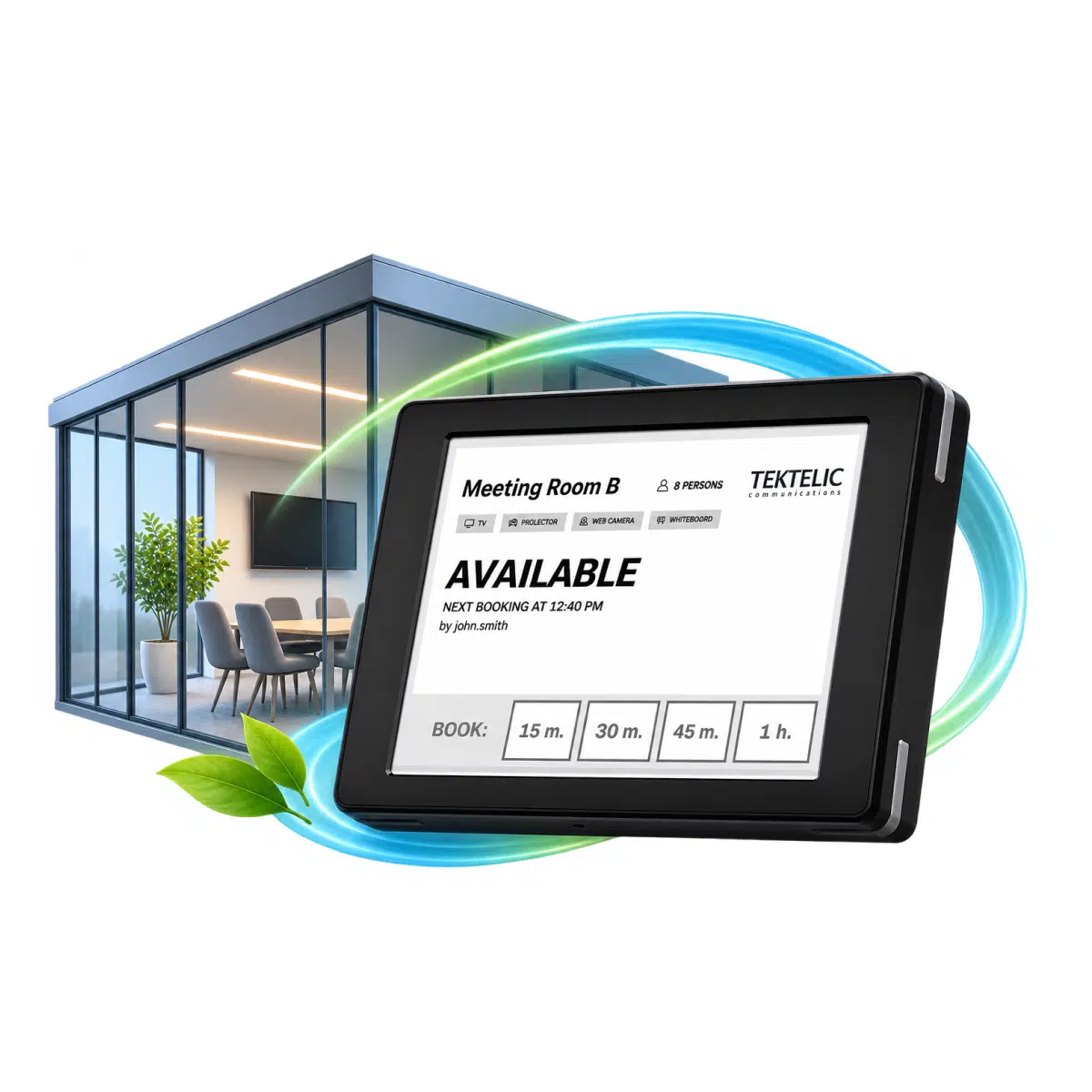
for booking and room-status interface

4+ years battery life

per sensor

0 cameras

no personal data captured

See How Every Shared Space Is Actually Used Before You Plan It

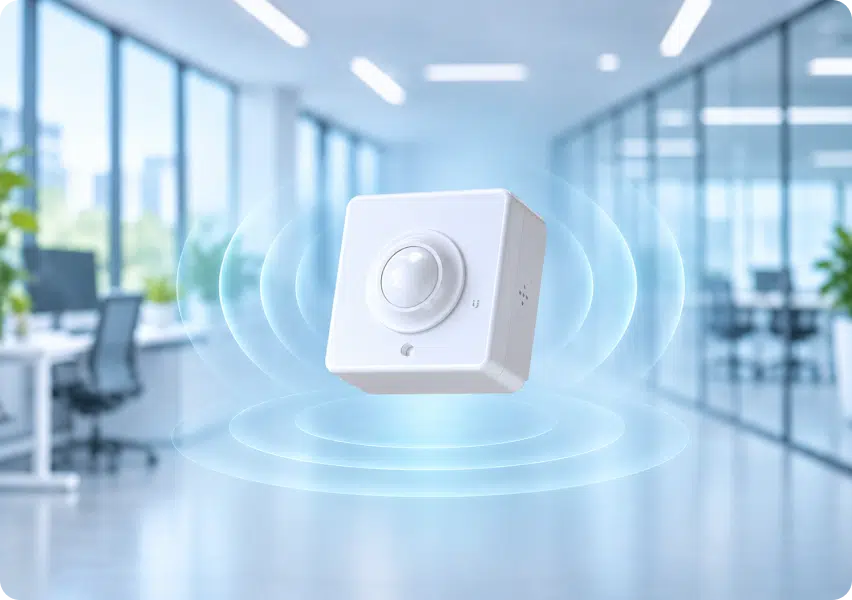
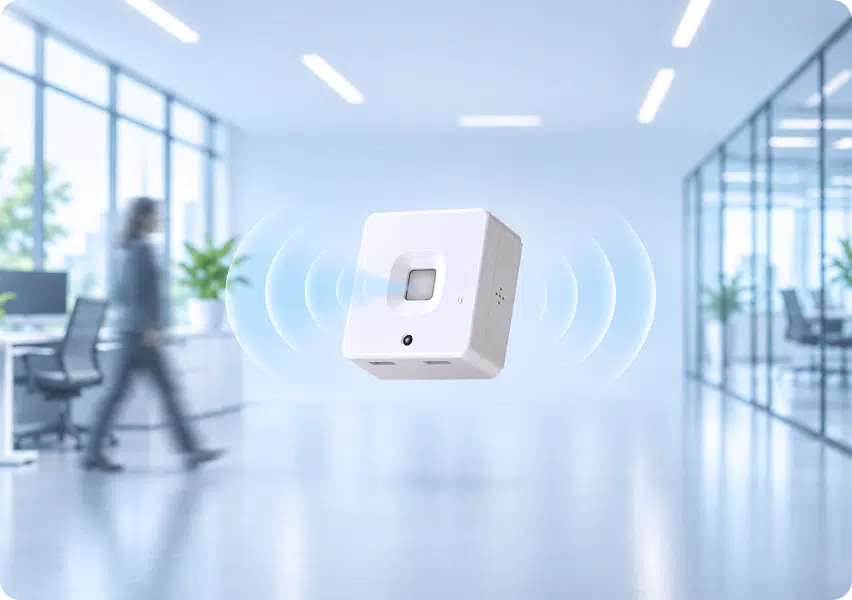
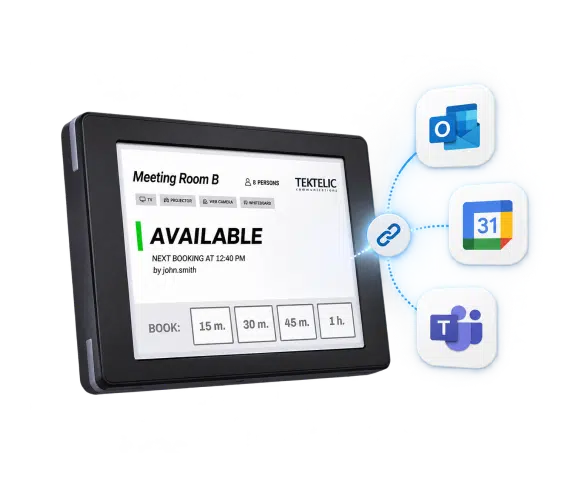
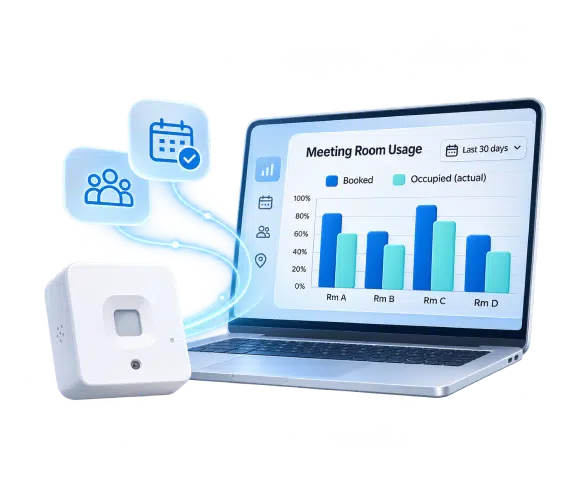
Calendar bookings show when a room was reserved, but not whether people actually used it. TEMPO provides booking and room-interaction data, while VIVID v3 adds camera-free occupancy information from the room or zone.

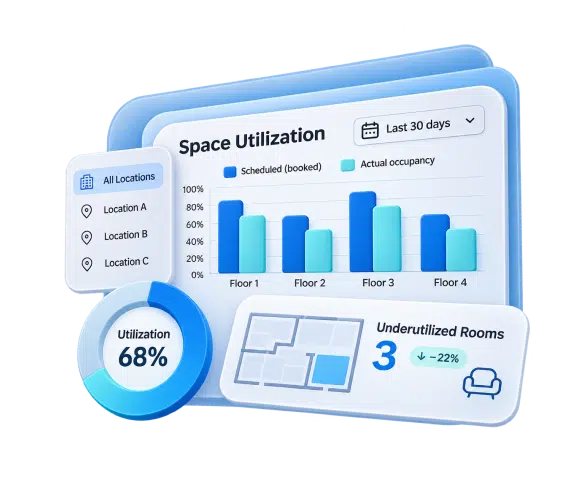
When these data points are brought together in the workplace analytics layer, teams can compare scheduled use with actual occupancy across rooms, floors, buildings, and time periods. This creates a stronger evidence base for space planning, workplace design, and real-estate decisions.

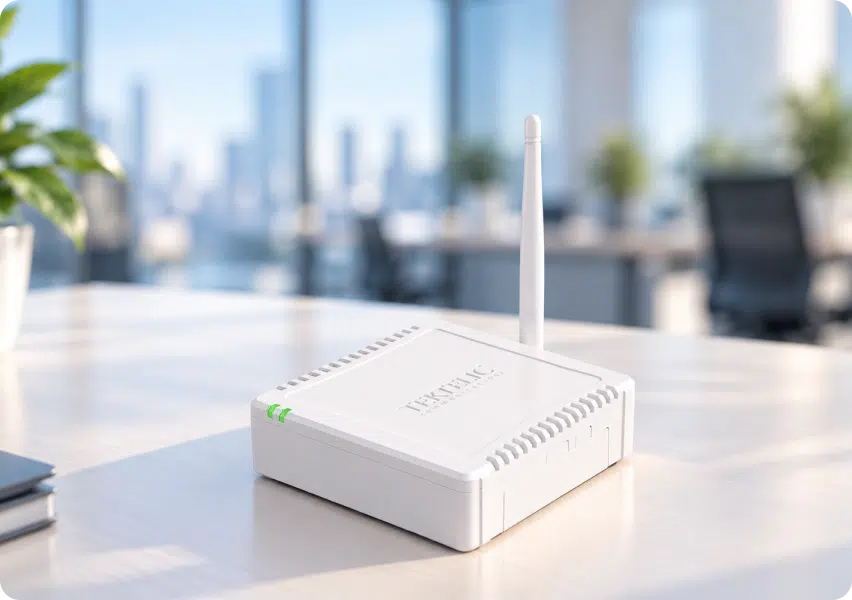
The same approach can be extended across meeting rooms, collaboration areas, focus spaces, and office zones. BREEZE-V can add CO₂ and environmental context in selected spaces, while LoRaWAN® connectivity enables scalable deployment without new data cabling.
TEKTELIC Office Space Utilization Monitoring

A Complete Space Utilization Monitoring Workflow
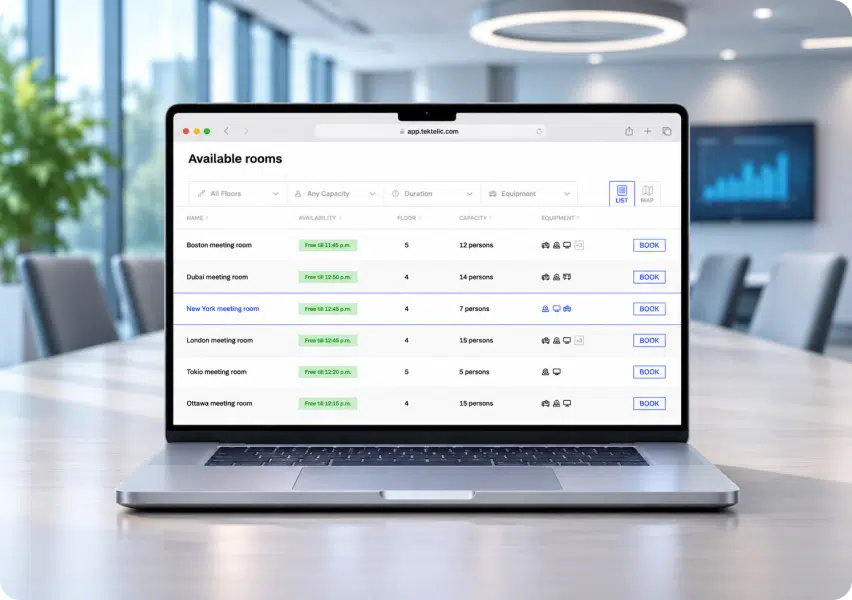
See TEMPO in Action

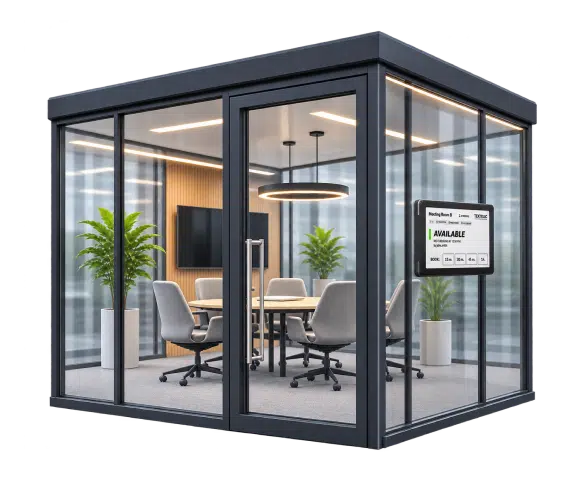
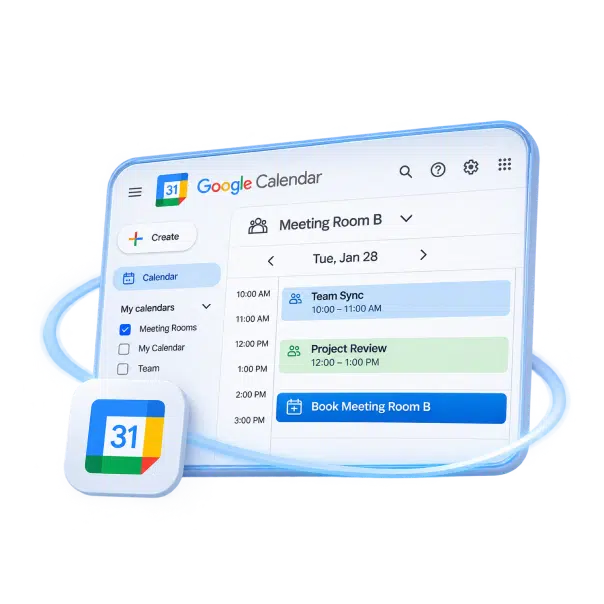
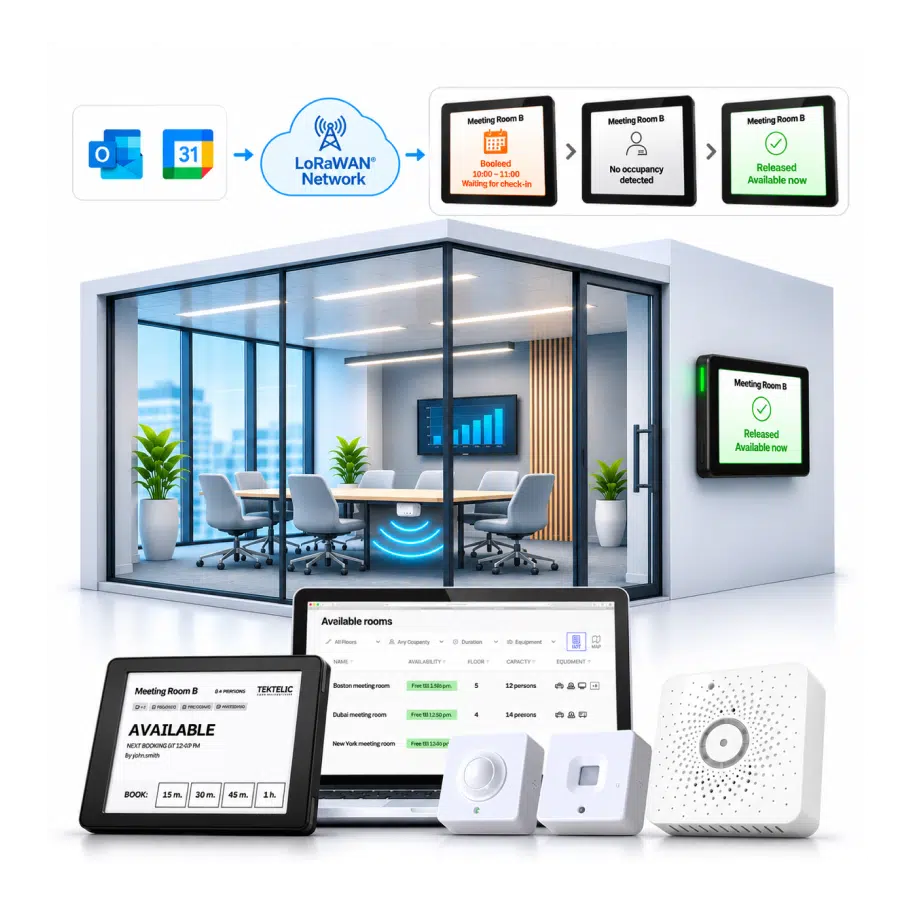
Follow one meeting from calendar to door. TEMPO pulls the booking from Outlook or Google Calendar, shows live status on its E-Ink screen and records the check-in. Every step becomes room data you can plan with.

From the calendar booking

to the meeting room door

Simple 4-step Deployment

1 Connect

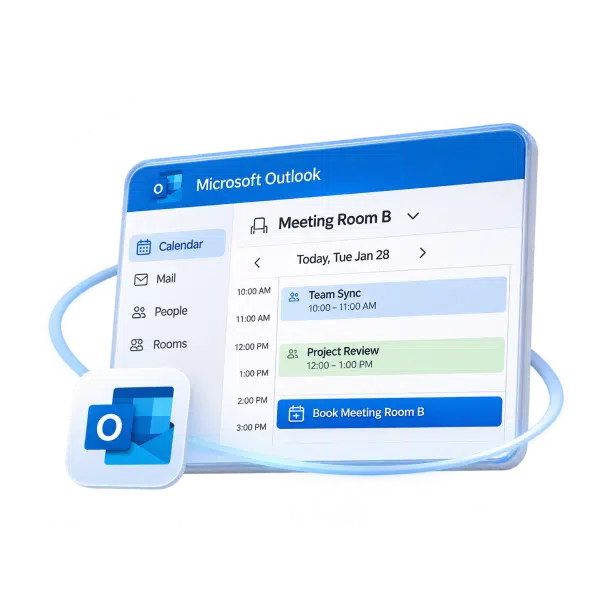
Link TEMPO with Microsoft Outlook or Google Calendar to bring scheduled room bookings into the solution.

TEKTELIC Complete Space Utilization Measurement Workflow - Connect
2 Install

Mount TEMPO outside meeting rooms and deploy VIVID v3 across the rooms and office zones you want to measure.

TEKTELIC Complete Space Utilization Measurement Workflow - Install
3 Collect

Capture booking activity and actual occupancy over time to build a reliable picture of how each space is used.

4 Analyze & Plan

Compare scheduled use with actual occupancy across all locations to identify utilization patterns.

TEKTELIC Complete Solution for Ghost Meeting Detection and Automatic Room Release - Microsoft Outlook

Microsoft Outlook

Keep Outlook room calendars honest at the meeting-room door.

Complete Solution for Ghost Meeting Detection and Automatic Room Release - Google Calendar

Google Calendar

Make Google Calendar availability reflect real room use.

Complete Solution for Ghost Meeting Detection and Automatic Room Release - Google Calendar

Know Which Spaces Earn Their Floor Area

Measure real occupancy, compare it with bookings, and take evidence into your next space-planning or lease decision.

Connect Space Utilization Data with Your Building Management System

TEKTELIC makes it easy to bring space utilization data into the systems your teams already use. Booking and occupancy information can be shared with workplace platforms, BMS, BAS, and other business applications through open APIs and standard integration methods, depending on the deployment architecture.

This allows organizations to use TEKTELIC data without creating a separate, isolated workflow. Scheduled room activity from TEMPO and actual occupancy data from VIVID v3 can be incorporated into existing dashboards, analytics tools, and facility systems to support space planning and real estate decisions. 

The result is a flexible integration approach that fits into existing buildings and workplace environments rather than requiring teams to replace the systems they already have.
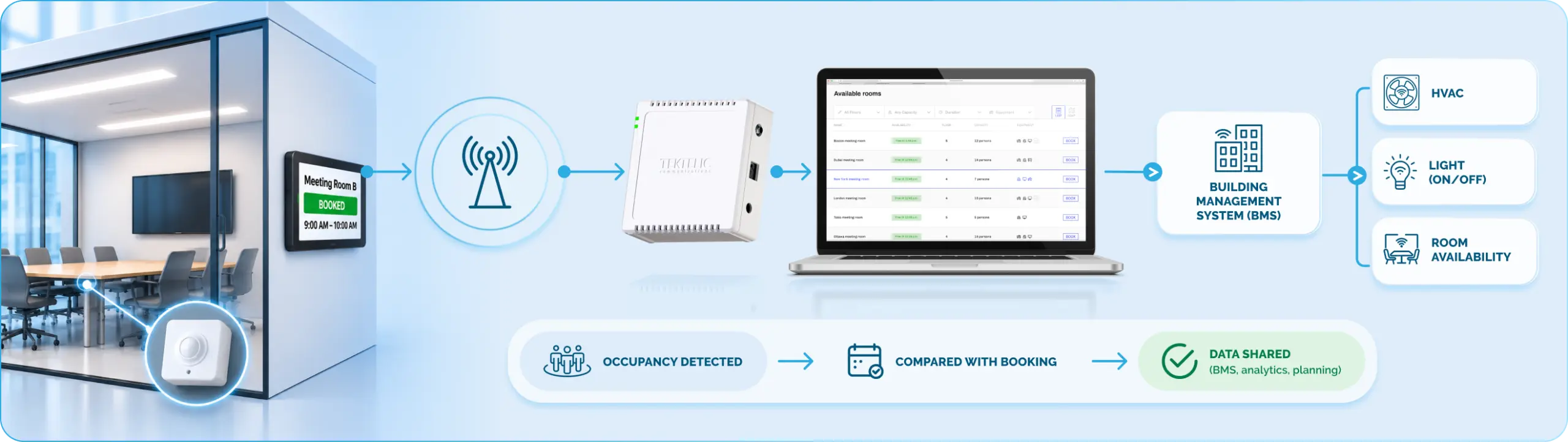
TEKTELIC Office Space Utilization Monitoring for Real Estate Decisions

One Measurement Layer Across Every Shared Space

Apply the same method from a single phone booth to a multi-site portfolio, so you can compare every type of space on equal terms.

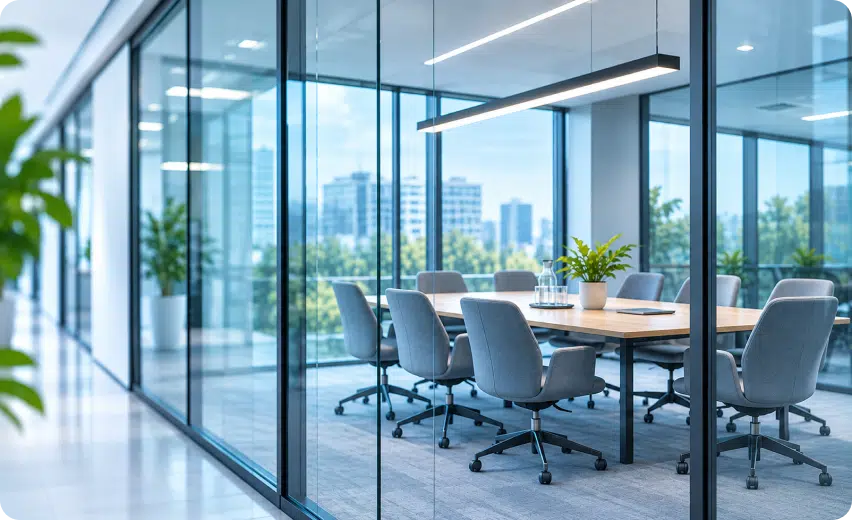
TEKTELIC Office Space Utilization Monitoring for Meeting Rooms

Meeting rooms

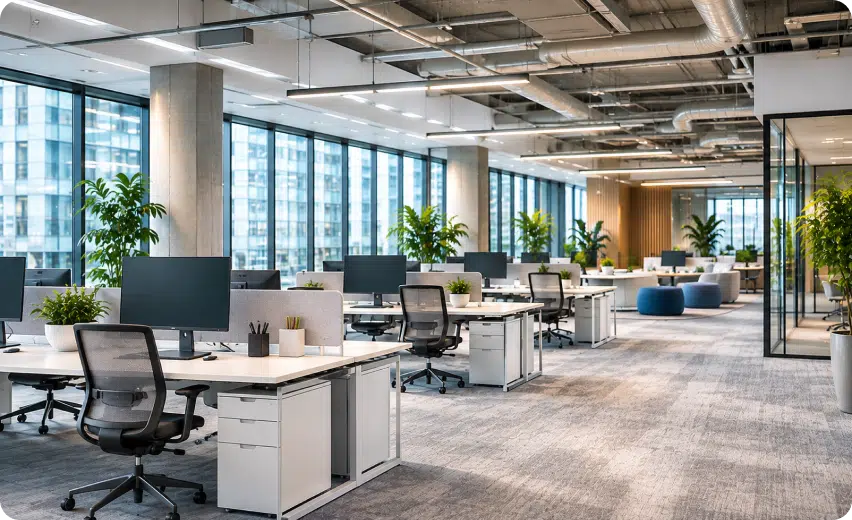
Compare scheduled bookings with actual occupancy to identify rooms that are heavily used, underused, or frequently booked but left empty.

Open-Plan Work Zones

Understand which zones are used most frequently and how occupancy patterns change across days and weeks.

TEKTELIC Office Space Utilization Monitoring for Informal Collaboration Areas

Informal Collaboration Areas

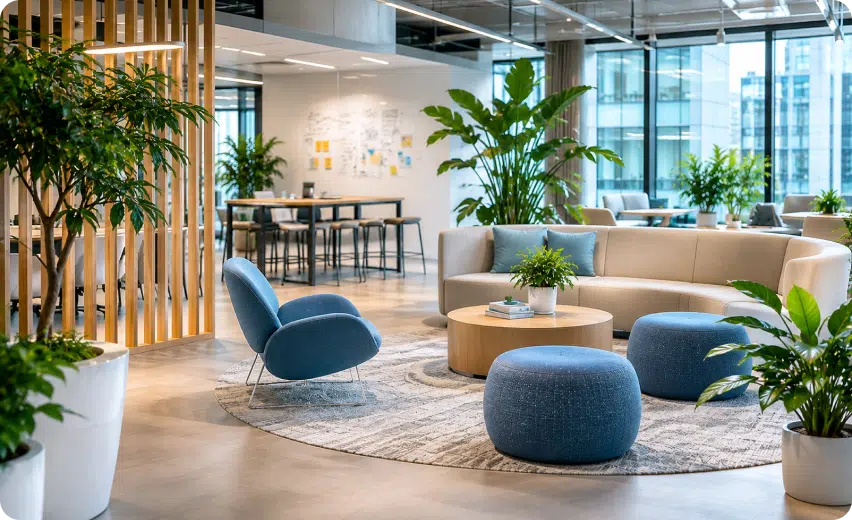
Measure the use of spaces that may not be bookable to understand where employees actually choose to meet and collaborate.

TEKTELIC Office Space Utilization Monitoring for Focus Rooms and Phone Booths

Focus rooms & phone booths

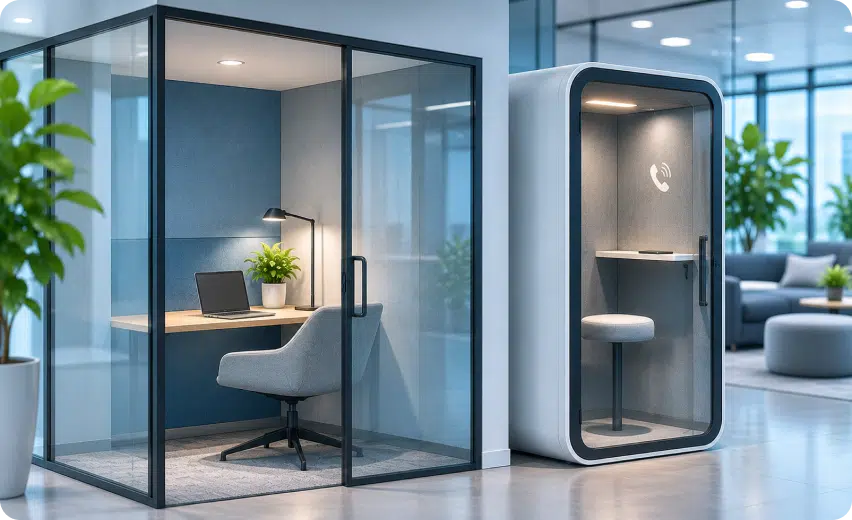
See how frequently smaller individual spaces are occupied and whether demand supports adding or reconfiguring these spaces.

TEKTELIC Office Space Utilization Monitoring for Floors and Multiple Office Locations

Floors & Office Locations

Compare utilization patterns across floors and sites to identify consistently underused or high-demand areas.

TEKTELIC Office Space Utilization Monitoring for Multisite Real Estate Portfolios

Multi-Site Real Estate Portfolios

Build a consistent view of utilization across locations to support workplace planning, consolidation, lease, and portfolio decisions.

benefits that matter

What You Gain From Measured Space Utilization

TEKTELIC Office Space Utilization Monitoring - Right size your workplace

Right-Size Your Workplace

See which rooms, zones, and floors are consistently underused or in high demand, so space decisions are based on actual usage rather than assumptions.

TEKTELIC Office Space Utilization Monitoring - Improve space planning

Improve Space Planning

Understand which types of spaces employees use most and where demand is changing, helping teams plan the right mix of meeting rooms, focus areas, and collaboration spaces.

Support Lease and Consolidation Decisions

Use measured utilization data to evaluate whether floors, buildings, or locations should be retained, reconfigured, consolidated, or expanded.

TEKTELIC Office Space Utilization Monitoring - Make better use

Make Better Use of Existing Real Estate

Identify capacity that is already available before investing in additional space, new fit-outs, or expansion.

TEKTELIC Office Space Utilization Monitoring - Compare utilization

Compare Utilization Across Locations

Apply the same measurement approach across rooms, floors, and sites to build a consistent view of workplace performance across the portfolio.

TEKTELIC Office Space Utilization Monitoring - Replace assumptions

Replace Assumptions with Continuous Evidence

Move beyond periodic surveys, manual headcounts, and calendar data alone with ongoing occupancy insights that show how spaces are actually used over time.

Build a More Sustainable Workplace with TEKTELIC

Better space data lowers the footprint of the workplace itself. Measure what you already have, and you spend less energy on empty areas. You also spend less on space you do not need.

TEKTELIC Office Space Utilization Monitoring - Eco friendly

Frequently-asked questions

Office space utilization is the share of your space that is in use over a set period. It is usually measured per room, zone or floor, as occupied time against available time. It tells you whether the space you pay for matches the space your teams use.

Booking data records intent rather than attendance. A room can be booked all afternoon and used for ten minutes. Informal spaces are often used with no booking at all. TEMPO supplies the calendar side and VIVID v3 supplies the occupancy side, so you see the plan and the outcome. 

VIVID v3 uses a 64-pixel PIR array to detect people in the area it covers. Mount it on the ceiling and its 86° × 74° angles suit larger rooms and open zones. It reports whether the space is occupied, plus temperature, humidity, light and movement. It runs for years on battery.

There is no single benchmark that fits every office. The useful comparison is your own baseline over time. Most teams track peak use, average use and the gap between booked and occupied time. They then set a target for each type of space. Small rooms and open zones behave differently from large conference rooms.

Measured use shows which floors, rooms and zones are underused. That supports consolidation, sublet and renewal decisions. It also shows where space runs short, so spend goes into the room types people cannot get. Savings depend on your portfolio and lease terms, so model the figures on your own data.

No. VIVID v3, VIVID v2, and BREEZE-V sense presence with infrared and motion. They report whether a space is occupied, never who is in it. There is no image, video or audio. Reporting stays simple under GDPR and easy to explain to staff and works councils.

Yes. Data from your LoRaWAN devices can be passed to building-management and workplace tools. That covers occupancy, room status and CO2 readings. What is shared depends on the deployment. Space reports can then sit next to your HVAC, lighting and planning systems.